Tell us your rig
Choose your mixer, control surface, and firmware. Save your setup once so future conversations start with context.
Meet Sound Mix AI — your pro audio engineer in your pocket. Talk through a problem, get guidance for your console, and keep the context of your rig and previous mixes. Built for the moment you need an answer, not another tutorial.

Your saved configuration may give us a clue. Start by reviewing the low-mid EQ settings and high-pass filter.
Select a situation to see how the Sound Mix AI assistant is designed to respond. This is a scripted product preview, not a live AI service.
My lead vocal on channel 12 sounds muddy. What should I check?
Let's start with channel 12. Confirm the channel and its input source, then check the high-pass filter and low-mid EQ. Try one small, reversible change at a time.
Did the vocal become clearer after that change?
Stop digging through manuals and videos when the clock is ticking. Sound Mix AI is being built to turn complex console questions into practical next steps.
Choose your mixer, control surface, and firmware. Save your setup once so future conversations start with context.
Describe the issue in plain English using your voice or keyboard — from muddy vocals to confusing bus routing.
Get focused, step-by-step guidance matched to your console, with safe changes and follow-up questions.
Designed for the real work behind the faders — not generic answers that leave you guessing which screen to open.
Ask questions aloud or by text. Get clear troubleshooting instructions for the mixer and interface you're using.
Save rigs, channel labels, firmware information, and equipment profiles for more relevant answers.
Upload supported scene or snapshot files, preserve versions, and explore what changed between mixes.
Ask about an individual input, bus, EQ, or compressor with available configuration context.
Follow repeatable steps for worship services, live bands, and corporate events.
Name and keep troubleshooting sessions with notes, decisions, and confirmed resolutions for later.
Capabilities shown are planned for V1. Native configuration analysis depth will vary by mixer and firmware as formats are verified.
When a mix changes from week to week, remembering every EQ adjustment and bus send shouldn't be a guessing game.
Sound Mix AI's planned Mix History & Compare feature helps you work from saved configurations, compare versions, and ask the assistant what changed.
Get notified at launchWe're developing manufacturer- and model-aware workflows, starting with the mixers used by live engineers, churches, and production teams.
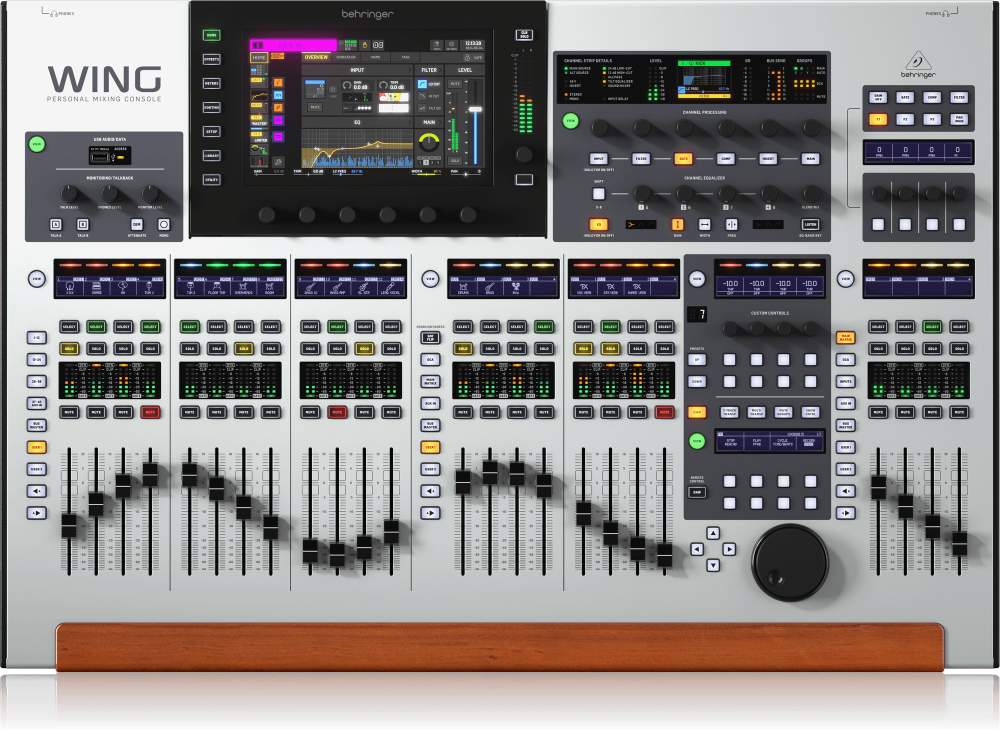
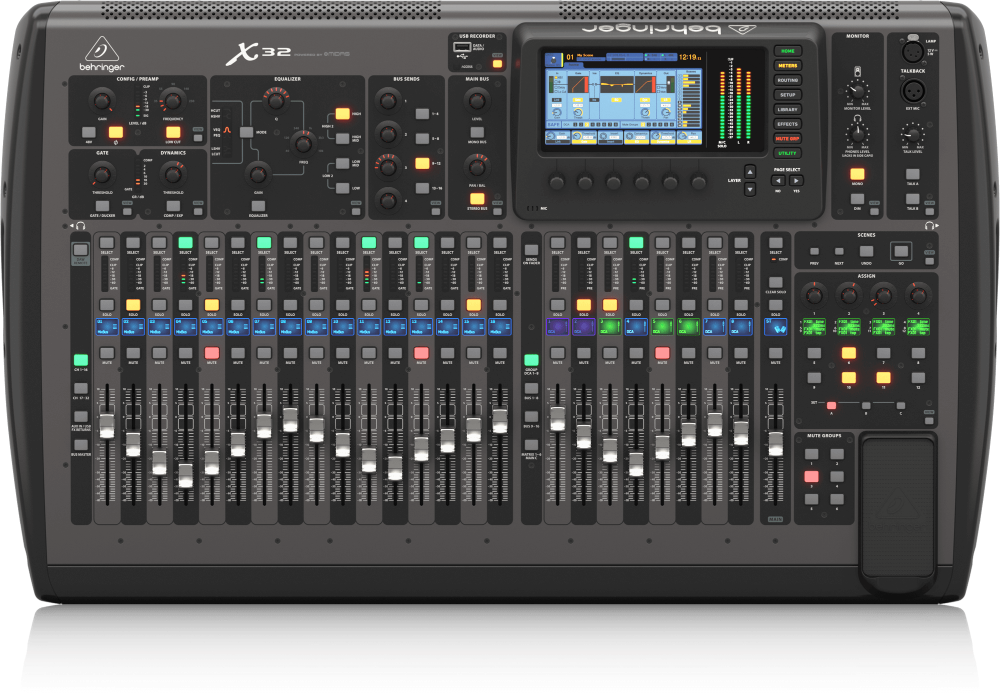
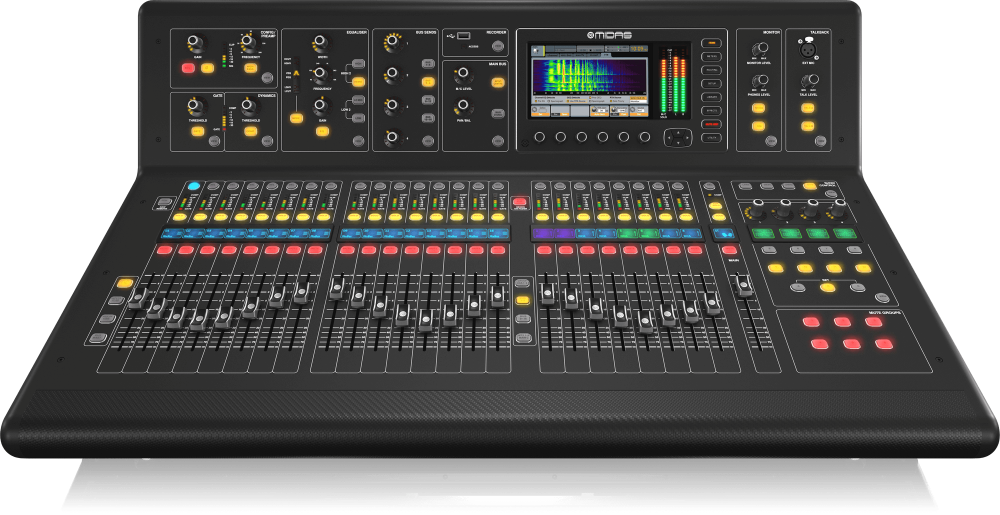
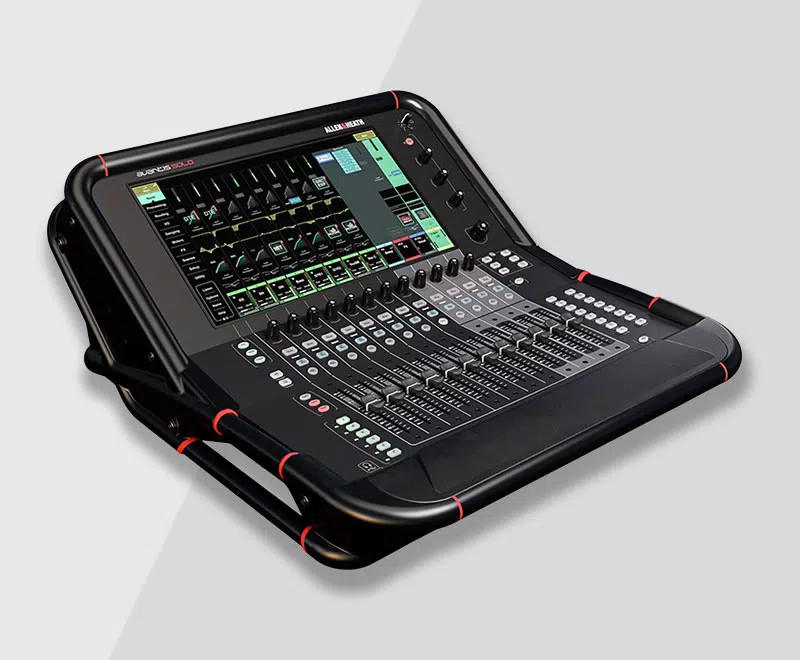
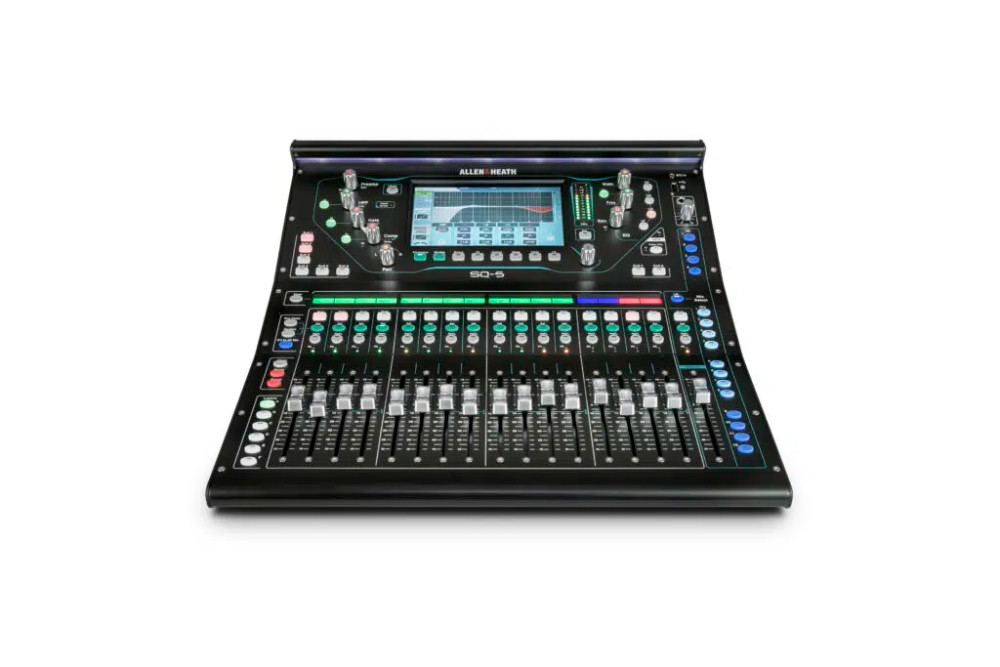
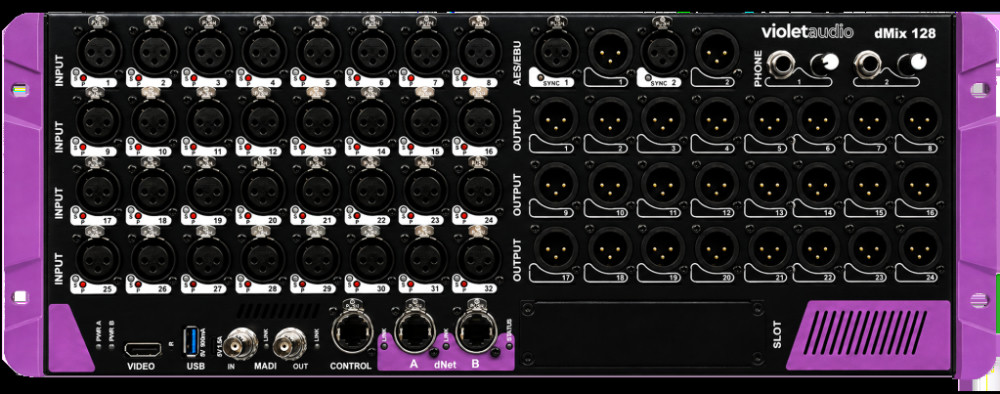
Planned support is not a statement of current compatibility or manufacturer endorsement. Individual models, firmware versions, and import formats will be verified before release.
Sunday morning shouldn't depend on one person knowing every bus, EQ curve and routing decision. Give your team a shared starting point and a way to understand changes from week to week.
Save an approved mixKeep a baseline configuration for the rig, alongside dated versions and notes.
Understand what changedCompare saved versions and investigate differences before the next service.
Pass along what workedName and save troubleshooting sessions for the next person behind the console.
Approved launch pricing. Every paid plan includes troubleshooting, configuration imports, Mix History & Compare, and saved diagnostic sessions. A 7-day no-card trial is planned at launch.
or $129 billed annually
or $299 billed annually
or $599 billed annually
Sound Mix AI is in development. Subscriptions and the approved 7-day, no-credit-card free trial will become available when the service launches. No payment is being collected on this website today.
Everything you need to know about Sound Mix AI, planned mixer support, configurations, teams, pricing and early access.
Get launch updates →Not yet. Sound Mix AI is in development. You can join the early-access list now to receive development updates and potential beta invitations.
Sound Mix AI is a planned voice- and text-based troubleshooting assistant for live sound. It is designed to offer equipment-aware, step-by-step guidance, save rig profiles, and help you track changes across saved configurations.
The initial launch target includes Behringer X32 and WING families, Midas M32 models, Allen & Heath SQ, CQ and Avantis, and Violet Audio dMix 128. Exact model, firmware and file-import coverage will be verified before release; other consoles are on the roadmap.
During rig setup, you'll be able to identify your mixer model, firmware and related equipment. Guidance will be limited to verified information for that configuration; if a model or version has not been validated, the app should explain the limitation rather than invent steps.
Not in V1. Sound Mix AI is designed as an advisory assistant, not an automatic controller. It won't silently change channel processing, routing, gain or other settings on your mixer.
Configuration upload is a planned V1 capability. Parsing depth will vary by manufacturer and file format. Where direct import isn't supported, manual setup and screenshot/photo-based guidance are planned alternatives.
No. The assistant will only know settings you provide through saved rigs, supported imported files, manual entry or uploaded material. It will not claim to read the live console unless that capability exists and has been verified.
It's a planned feature for saving dated mixer configurations, designating a baseline and comparing known settings between versions. Unsupported or unknown values will be identified rather than treated as if they were confirmed changes.
Yes. All three paid plans include Mix History & Compare. The plans differ in the number of rigs, historical configurations per rig, included voice minutes, users and unified storage.
Yes, that's a core planned workflow. You can identify a channel or bus, describe the problem, and work through troubleshooting steps with the context you have saved for your rig.
Yes. The V1 plan includes named, searchable troubleshooting sessions connected to a rig, with notes on affected channels, suggested steps and confirmed outcomes.
Voice and text interaction are planned for V1. Included monthly voice minutes are 30 for Solo, 120 for Pro and 240 pooled minutes for Church/Team. Text assistance remains available subject to fair use if voice minutes run out.
Yes. Approved add-on pricing is $4.99 for 30 minutes or $9.99 for 75 minutes. Purchased minutes are valid for up to 12 months while the subscription remains active; included monthly voice minutes do not roll over.
Yes. The planned launch offer is a 7-day trial with no credit card required. It includes limited text and voice usage, one rig, configuration uploads, a comparison, storage and a guided soundcheck.
You may subscribe to keep using paid features. Trial information is planned to be retained for 30 days after expiry, subject to the published retention policy; access to paid functionality will be restricted without a subscription.
Yes. Church/Team is designed for five users with shared rigs, history and a pooled voice allowance. Organization owners can administer membership and transfer organization ownership.
The product is being designed as a multi-tenant SaaS with organization-level data isolation, access controls and private file storage. Uploaded files and conversations belong to the relevant customer organization; detailed security and privacy disclosures will be published before launch.
Solo includes 500 MB, Pro includes 2 GB and Church/Team includes 10 GB of unified file storage for original configuration files and uploaded attachments. Storage usage and limits will be visible in the app.
The responsive web application is planned first. iOS and Android apps are on the roadmap, subject to development and app-store requirements.
No. Sound Mix AI is an independent product of Blue Sky AI Automation, LLC. Manufacturer and product names are used only to identify equipment; planned support does not imply sponsorship or endorsement.
Complete the early-access signup form and include your primary mixer if you wish. We'll use the information to share launch news, mixer coverage updates and potential testing opportunities. Signing up does not guarantee a beta spot.
Get product updates and an invitation to try Sound Mix AI as early access becomes available. No payment. No obligation.
Get launch news, mixer-coverage updates, and an invitation when beta spots become available. No spam, no obligation.
Early access is not a paid subscription or trial registration.